
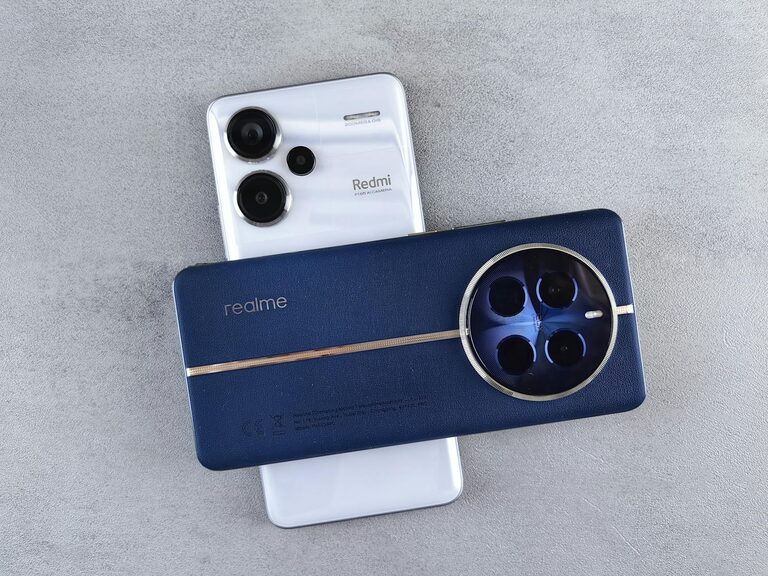
Taking great photos with your phone can be simple and fun. Whether you’re capturing memories with family or snapping shots for social media, learning a few beginner tips can make a big difference. Today, we’ll explore practical advice to help you take better phone photos, no matter your skill level.
Understand Your Phone Camera
Explore Your Camera Settings
Before taking photos, spend some time getting to know your phone’s camera app. Most smartphones offer features like HDR, grid lines, portrait mode, and timer. Using grid lines, for example, helps with composition by applying the “rule of thirds” — placing your subject off-center for a more balanced image.
Learn About Focus and Exposure
Tap on the screen where you want to focus. This also adjusts the exposure (brightness) for that area. On most phones, you can slide your finger up or down to make the photo brighter or darker. Experiment with this to get the right lighting for every shot.
Composition Basics
Use the Rule of Thirds
Imagine your screen divided into a 3×3 grid. Placing key elements along these grid lines or at the intersections often creates more interesting and balanced photos than centering your subject.
Leading Lines and Framing
Look for natural lines like roads, fences, or bridges that lead the viewer’s eye to the subject. Use doorways, windows, or branches to frame your photo and add depth.
Keep Backgrounds Simple
Avoid cluttered or distracting backgrounds. A clean background helps your subject stand out and keeps the viewer’s attention where you want it.
Lighting Tips
Use Natural Light Whenever Possible
Outdoor natural light, especially during the golden hour (the hour after sunrise or before sunset), gives your photos a warm, soft look. Try to avoid harsh midday sun that creates strong shadows and highlights.
Avoid Using the Flash
Phone flashes often produce harsh light and unnatural colors. Instead, move closer to your subject or reposition them toward a light source.
Use Shadows Creatively
Shadows can add drama and interest to your photos. Pay attention to how shadows fall and use them to enhance your composition.
Camera Stability
Keep Your Phone Steady
Shaky hands can cause blurry photos. Hold your phone with both hands and tuck your elbows close to your body for stability. Resting your phone on a solid surface when possible also helps.
Use a Tripod or Stand
If you want ultra-stable shots, consider investing in a small phone tripod. These are especially useful for low-light photography and time-lapse videos.
Experiment with Angles and Perspectives
Try Different Viewpoints
Don’t just shoot from eye level. Get low to the ground for an unusual view, or shoot from above to capture a scene from a new angle. Changing perspective adds interest and variety to your photos.
Move Around Your Subject
Instead of snapping just one photo, walk around your subject to find the most flattering or interesting angle.
Utilize Editing Apps
Basic Edits Improve Photos Significantly
Simple adjustments like cropping, straightening, increasing brightness, or enhancing contrast can make your photos pop. Apps like Snapseed, Lightroom Mobile, or VSCO are user-friendly options.
Avoid Over-Editing
Keep edits natural to maintain the charm of your photo. Over-saturation or heavy filters can make photos look artificial.
Practice Regularly
Take Lots of Photos
The more you practice, the better your eye becomes. Try capturing different subjects–people, nature, architecture–and experiment with lighting and settings.
Review and Learn
Look at your photos after shooting. Analyze what worked and what didn’t, and make a note for next time.
Final Thoughts
Improving your phone photography is mostly about observation and practice. By understanding your camera’s features, paying attention to composition and lighting, and trying new perspectives, you’ll capture better photos in no time. Don’t be afraid to experiment — creativity is key to great photography!
Happy snapping!